Remotewize
Notion logo

Notion

Claimed
4.7
Starting at FreeTrial available

Notion is an all-in-one workspace that combines note-taking, project management, wikis, and databases into a single platform. It helps individuals and teams organize information, track tasks, and collaborate in one place. Notion suits freelancers,...

Last updated: July 2, 2026

What is Notion?

Notion is an all-in-one workspace that combines note-taking, project management, wikis, and databases into a single platform. It helps individuals and teams organize information, track tasks, and collaborate in one place. Notion suits freelancers, startups, remote teams, and enterprises looking to reduce the number of separate tools they rely on daily.Notion's greatest strength is its flexibility — users can build nearly any workflow using customizable templates and linked databases. However, that same flexibility creates a steep learning curve for new users. Some reviewers also note that the mobile experience feels less polished than the desktop version, and offline access remains limited compared to dedicated note-taking alternatives.
Overall Rating

Based on 1 rating

All Reviews →
4.7
4.7

Notion Core Ratings

Feature depth9.2
Ease of use8.2
Value for money9.3
Customer support7.8

Starting Price

Free

View pricing page →

Pros

AI agents automate distributed team workflows

Single knowledge base unifies remote team information

Enterprise search spans Slack

Drive

and Jira

AI meeting notes keep async teams aligned

Trusted by 62% of Fortune 100 companies

Cons

Setup complexity may overwhelm non-technical managers

Advanced AI features locked behind higher tiers

Product gallery

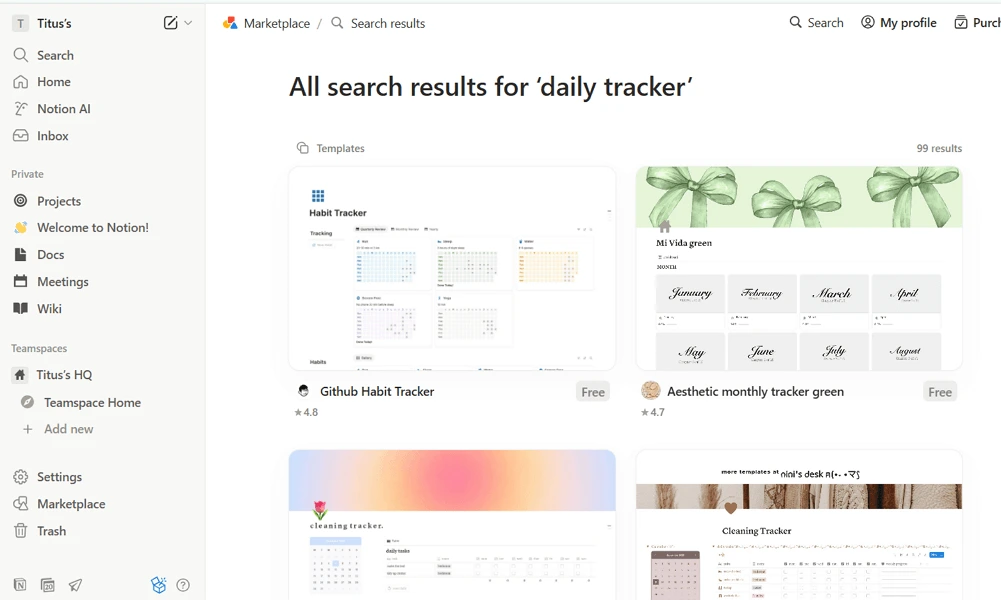
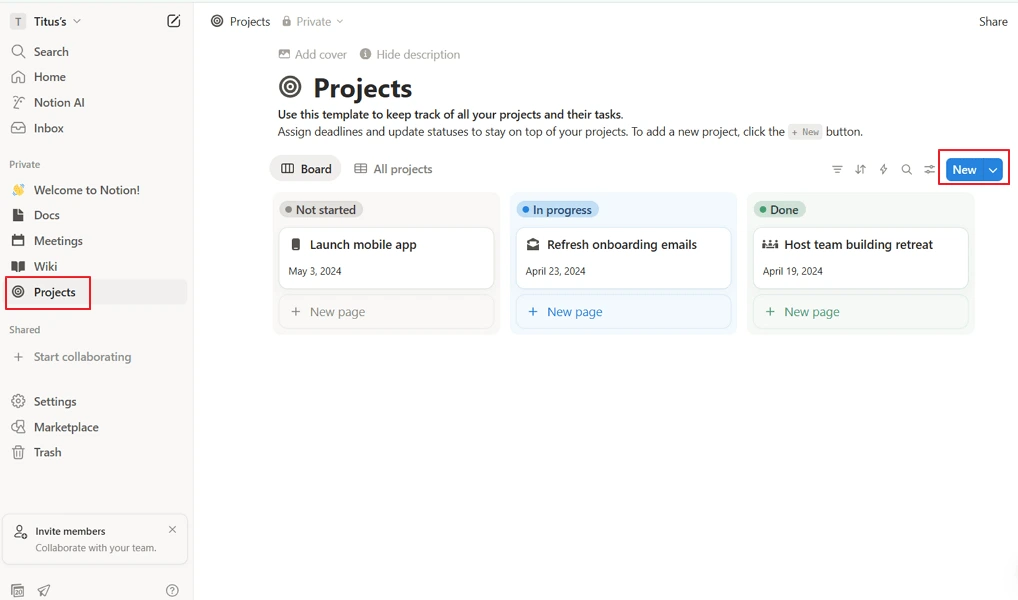
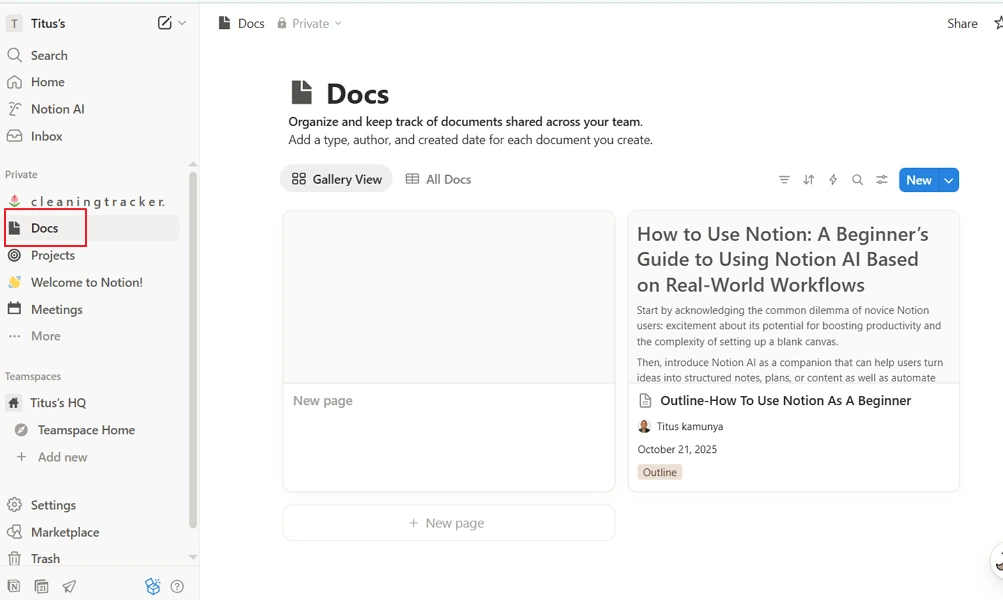
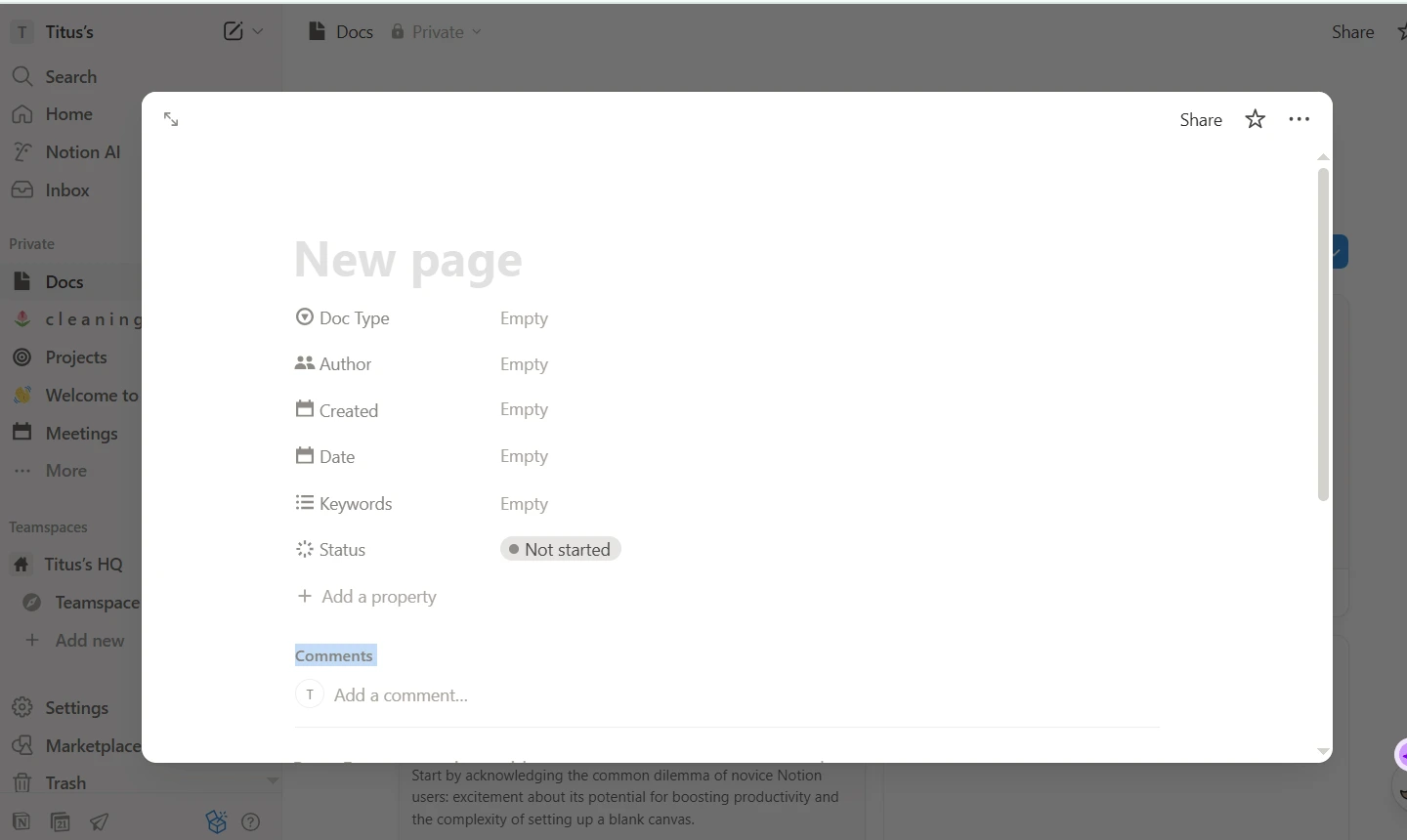
Notion Web/Desktop screenshot 1Notion Web/Desktop screenshot 2Notion Web/Desktop screenshot 3Notion Web/Desktop screenshot 4

Who is Notion For?

Notion is ideal for individuals, startups, and teams that want a flexible all-in-one workspace for documentation, knowledge management, project tracking, and collaboration.

Why Choose Notion?

Choose Notion if you're leading a distributed team drowning in scattered documentation, siloed project tracking, and knowledge that walks out the door when employees leave. Its core differentiator is consolidation: docs, wikis, project management, and AI agents that automate repetitive workflows all live in one workspace. Trusted by 98% of the Forbes Cloud 100, it's built for teams that can't afford operational fragmentation.For remote team leaders, the practical payoff is significant. Notion's AI agents handle recurring tasks like weekly reporting and feedback triage autonomously, while its enterprise search surfaces answers across connected tools — reducing the time your team spends hunting for context. Toyota cut project timelines by 3x; Ramp eliminated hours of manual work per agent created. If your distributed team needs one authoritative system to manage knowledge, projects, and automation together, Notion is the clear operational choice.

Notion Benefits and Features

Notion's Connected Databases let you link structured data across multiple tables, so information entered once automatically reflects everywhere it's relevant. Think of it as a live relational layer — your hiring pipeline, project tracker, and team roster can all reference the same underlying records without duplication or manual syncing.As a manager, you configure these connections to surface exactly the information your role requires. You can pull employee status from HR tables into project boards, or link client records to active deliverables — giving you a consolidated view without toggling between disconnected tools or chasing updates from individual contributors.For distributed teams, this eliminates the version-control chaos that plagues remote operations. You always see accurate, current data regardless of who updated it or from which timezone. That reliability means your decisions are grounded in real information, not stale spreadsheets forwarded over email.

Notion AI Features

Notion AI gives you an intelligent agent that doesn't just suggest — it acts. You can instruct it to edit pages, update database records, analyze information pulled from your workspace and external sources, and execute multi-step workflows on your behalf.As a manager, you delegate cognitive labor that previously required your direct attention. Ask it to summarize a week of project updates across multiple pages, identify overdue tasks in a database, or draft a performance review framework based on your existing criteria. It operates across your workspace, not just within a single document.For remote leaders managing complex, asynchronous operations, this changes what's actually possible in a workday. You get synthesis and execution at a speed no manual process matches. Instead of spending hours aggregating information before making a decision, you arrive at clarity faster — and redirect that time toward the work only you can do.

How Much Does Notion Cost

Free plan

A vendor-defined tier for teams comparing cost, limits, and fit.

$0

Try for free

It includes:

  • Free for individual usage
  • Notion Mail (Syncs with Gmail)
  • Organize hundreds or thousands of items in one place
  • like projects or tasks
  • Notion Calendar
  • Basic forms

Plus

A vendor-defined tier for teams comparing cost, limits, and fit.

$10

Per user, per month

Try for free

It includes:

  • All features on free plan
  • plus
  • Unlimited charts
  • Remove Notion branding from public forms
  • Unlimited file uploads
  • Custom forms

Business

A vendor-defined tier for teams comparing cost, limits, and fit.

$20

Per user, per month

Try for free

It includes:

  • All features on plus plan
  • plus
  • Granular database permissions
  • Conditional forms logic
  • SAML SSO
  • Private teamspaces

Notion Integrations

SlackGoogle DriveGithubDatadogMicrosoft Teams

Technical Details

Deployment

  • cloud

Device supported

  • windows
  • macos
  • android
  • ios
  • web

Language supported

  • English
  • Korean
  • Japanese
  • French
  • German
  • Portuguese
  • Spanish
  • Dunnish
  • Dutch

Customer Support

  • Email
  • Community
  • Social media
  • Help center
  • AI-assisted chat

Security and Compliance

  • Encryption at rest
  • Encryption in transit
  • GDPR Compliance
  • SOC 2 Type II
  • ISO 27001
  • Role-Based Access Control (RBAC)
  • Single Sign-On (SSO)
  • Data loss prevention (DLP)
  • Audit logs
  • Disaster recovery plan

Notion Reviews

We are still refining the full reviews experience. For now, use the overview ratings card above for the product's rating snapshot.

No reviews yet. Be the first to share your experience with Notion.

Write a review

Notion FAQs

What is Notion used for?+

Notion is an all-in-one workspace that combines note-taking, project management, knowledge management, document collaboration, databases, and task management in a single platform.

Is Notion free?+

Yes. Notion offers a free plan for individuals that includes unlimited pages and blocks. Teams that need advanced collaboration, security, and administration features can upgrade to paid plans.

Is Notion good for remote teams?+

Yes. Notion is particularly popular among remote and hybrid teams because it centralizes documentation, project plans, meeting notes, company knowledge, and team workflows in one searchable workspace.

Can Notion be used for project management?+

Yes. Notion includes task tracking, Kanban boards, timelines, calendars, databases, and project dashboards that help teams manage projects and workflows.

Does Notion work offline?+

Partially. Notion offers limited offline access to recently viewed pages, but its best experience requires an internet connection for syncing and collaboration.

Can Notion be used as a knowledge base?+

Yes. Creating a company wiki or knowledge base is one of Notion's most common use cases. Teams can organize policies, SOPs, onboarding materials, FAQs, and internal documentation in a searchable format.

Is Notion easy to use?+

Yes, but there is a learning curve. Basic note-taking is straightforward, while building advanced databases, dashboards, and automated workflows may take some time to master.

Is Notion secure?+

Yes. Notion provides security features such as data encryption, two-factor authentication (2FA), audit logs, SAML single sign-on (SSO) on enterprise plans, and role-based permissions.

Can multiple people edit a Notion page at the same time?+

Yes. Notion supports real-time collaboration, allowing multiple users to edit documents simultaneously, leave comments, and mention teammates.

Can Notion store files and documents?+

Yes. Users can upload and organize documents, images, PDFs, videos, and other files directly within Notion pages and databases.